
Fixed sites with a boundary
Each guarded site gets a printed QR poster and a geofence. Officers sign on with their phone, and their location is judged against the site boundary: advisory by default, or enforced if you choose.
iSite™ for security services
Static guards on fixed sites and mobile officers between them. iSite™ handles both: officers sign on at each site they cover from their own phone, the office sees who is on duty and where, and the week's hours are ready for payroll.
Location is recorded at sign-on and sign-off only. Never tracked in between.
Built for security teams
Set up a long-term guarded site as a fixed site with its own boundary, and your mobile officers as a roving team that signs on wherever the job is. Both land in the same register and the same timesheets.
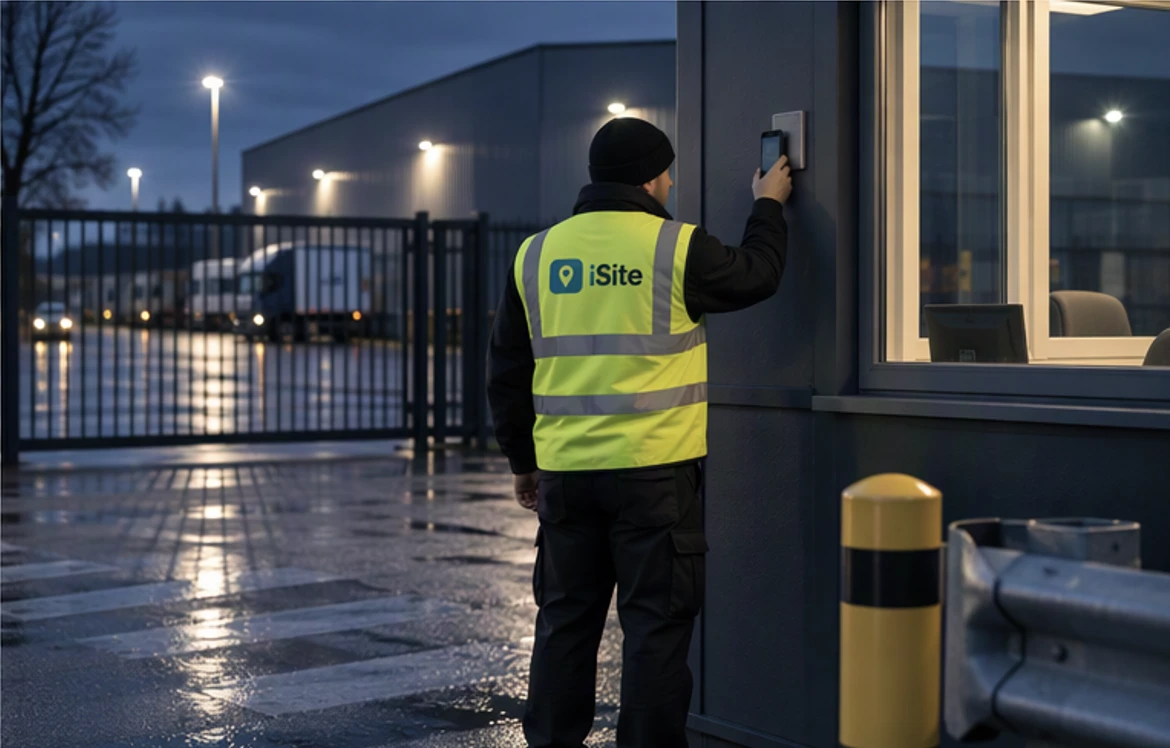
Each guarded site gets a printed QR poster and a geofence. Officers sign on with their phone, and their location is judged against the site boundary: advisory by default, or enforced if you choose.
Mobile officers scan their team's QR code and pick the job: a lock-up, an unlock or an alarm response. Each sign-on records where it happened, and only your own staff can use the code.
A live on-site register for every fixed site, and a live map with a pin for each mobile officer on a job. When a client asks who was on last night, the record answers.
Keep your clients and their scheduled jobs, then drag each job onto a team and a day. The planner shows what is covered, the planned hours and what is still waiting.
Each officer's week is built from their own sign-ons, by site, job and client. A manager approves the week and exports it to CSV. A shift still open is flagged, not guessed.
Fixed sites can require a versioned site induction before an officer's first shift, approved by a manager with validity dates, so a new officer on a contract has read the site's instructions first.
How it works
Fixed sites with a boundary and a QR poster, and roving teams for mobile officers.
Officers complete each fixed site's induction once and a manager approves it.
Schedule mobile work onto teams and days in the week planner.
Officers scan at the post or pick the job. Their time lands against it.
Check each officer's hours by site and job, approve, and export.
We'll set up a demo with guarded sites, mobile officers and a week of jobs, so you can see the registers, the live map and the timesheets for yourself.
Or reach us directly at hello@srscloud.co.uk